
48 Hours Before Arrival: Airbnb Check In and 5 Quick Checks
Your check-in instructions live in the Trips section of the Airbnb app or website, and Airbnb typically releases them 48 hours before your arrival, local time. Open your reservation, tap “How to get inside,” and you’ll find the access codes, door photos, and Wi-Fi password your host uploaded. If nothing shows up within a day or two of arrival, message your host directly through the app rather than waiting it out.
TL;DR:
Most check-in instructions become available 48 hours before arrival and are found in the “Trips” section of the Airbnb app or website.
Smart lock codes typically generate shortly before check-in and may need attempts at slower entry or a quick reset if they fail initially.
Confirm access details, parking, and arrival times with your host beforehand, and save the information offline to prevent reliance on cell signals.
Testing the entry code and checking safety devices within the first five minutes helps prevent issues and allows quick reporting of damages.
If instructions do not appear by the arrival window, message the host promptly and document attempts or contact Airbnb support if necessary.
Table of Contents
Where to Find Your Check-In Instructions on Airbnb
Every reservation has a dedicated spot for arrival details, and it’s not buried deep. Here’s the exact path:
Open the Airbnb app or go to airbnb.com and tap Trips.
Select the reservation you’re checking into.
Look for “How to get inside” or “Check-in instructions” on the reservation page.
If you booked recently, check your email inbox for a reservation reminder. Airbnb often sends the same details there as a backup.
Still nothing? Scroll to the messages thread with your host. Many hosts paste the code or directions directly into the chat as a courtesy.
The 48-hour rule matters here: hosts can’t release smart-lock codes or lockbox combinations until shortly before, since many systems generate a fresh code per booking. If you’re arriving mid-afternoon on a Friday, don’t panic if you checked Wednesday morning and saw a blank screen. If the window has passed and you still see nothing, that’s your cue to message the host, not to keep refreshing the app.
How Different Access Methods Actually Work
Not every Airbnb hands you a physical key anymore, and knowing what you’re dealing with before you arrive saves a curbside scramble.
Smart locks usually run on a unique code tied to your reservation dates, active only during your stay. They occasionally lose Wi-Fi connection or run low on battery, so a code that “doesn’t work” often just needs a second, slower entry.
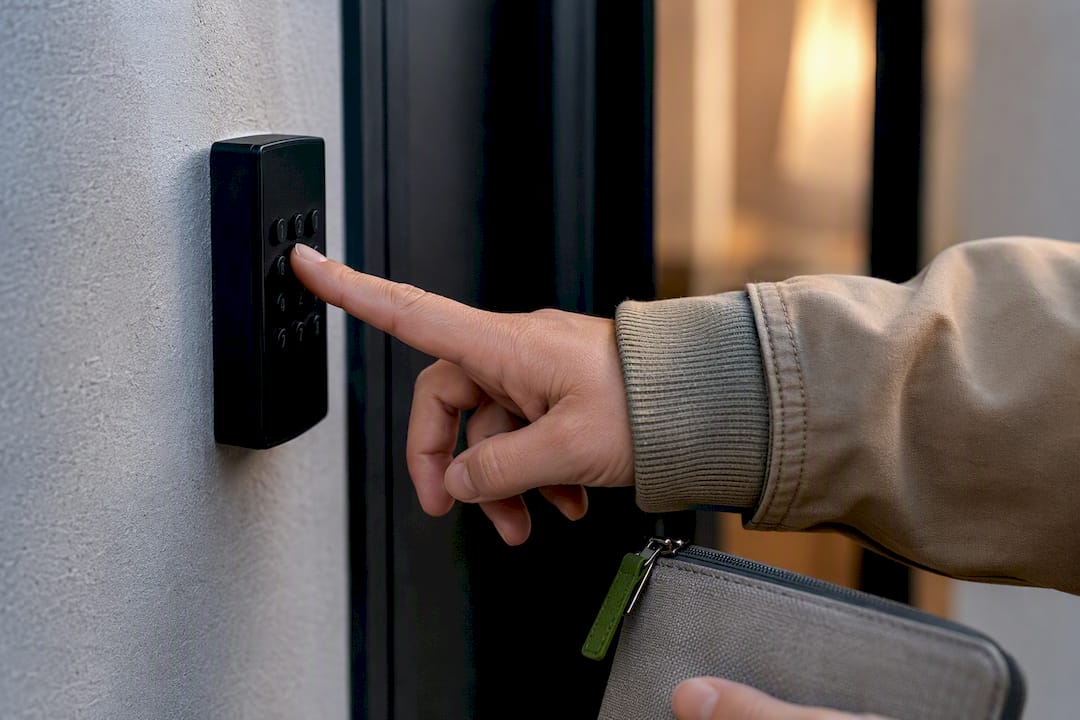
Keypads are simple number pads mounted on or near the door; typos are the most common failure, so re-check the code character by character before assuming it’s broken.
Lockboxes hold a physical key behind a combination dial, usually mounted on a railing or doorframe near the entrance, not always at the front door itself.
Building staff or concierge access requires photo ID and usually only works during specific desk hours, so confirm those hours before a late arrival.
In-person handoffs mean the host or a designated person meets you, which requires the tightest coordination on timing.
Good hosts pair every method with photos and directional language (“turn left past the mailboxes”), not just an address. That detail is what separates a smooth arrival from ten minutes of circling a building. This is standard practice in hospitality check-in workflows more broadly: the clearer the physical directions, the fewer access failures.
Pro Tip: If a smart lock rejects your code twice, wait a short moment and try once more slowly. Many units time out after failed attempts and need a short reset before accepting input again.
What to Do Before You Even Leave for the Property
A few minutes of prep the day before your trip prevents most check-in headaches entirely.
Message your host to confirm your arrival window, especially if you’re coming earlier or later than your original estimate. Ask about parking while you’re at it.
Screenshot or download the arrival guide, including photos and codes, so you’re not dependent on cell signal at the door.
Copy access codes into a secure note on your phone as a backup to the app.
Confirm you’re logged into the Airbnb app before you travel, not after you land with no signal.
Make sure your phone is charged, and save the host’s number or Airbnb’s support line somewhere accessible offline.
If you need an early check-in or later checkout, ask at least a day or two out. Last-minute requests are harder for hosts to accommodate, especially with back-to-back bookings.
Pro Tip: Take a screenshot of the exact building exterior and entrance photo from your listing. Street numbers can be hard to spot at night, and that image is often the fastest way to confirm you’re at the right door.
The First 10 to 30 Minutes: Your Arrival Checklist
What you do in the first half hour matters more than most guests realize, because it’s the window where problems are still easy to fix.
Test your entry code or key within the first five minutes of arriving, and confirm you’re at the correct unit, not just the correct building.
Locate smoke and carbon monoxide detectors, and note where the fire extinguisher is. This is a basic safety practice worth doing before you unpack a single bag.
Connect to the Wi-Fi and confirm it actually streams, not just connects.
Run the hot water for a minute, test the HVAC, and light one stove burner if you plan to cook.
Photograph anything that looks off, damage, mess, a broken appliance, with a timestamp, and send it to your host through Airbnb messaging.
A practical arrival routine built around these checks exists for a reason: issues reported soon after arrival get fixed quickly. Issues reported after you’ve settled in for the night often don’t.
What to Do When You’re Locked Out or Instructions Never Showed Up
If your instructions haven’t appeared within the 24 to 48 hour window before arrival, message your host promptly through the app rather than waiting at the curb hoping it resolves itself.
Double-check you’re at the right address and unit number. Buildings with multiple entrances or similar house numbers next door cause more lockouts than broken locks do.
Look again at the arrival guide’s photos for entrance cues you might have skipped past the first time.
Keep every attempt and message inside the Airbnb app. Using in-platform messaging rather than texting or emailing the host creates a record Airbnb can actually review if things escalate.
If your host is unresponsive and you’re genuinely locked out, contact Airbnb support directly. Reference AirCover and document everything with timestamped photos, since reporting windows for problems at check-in are limited.
Nestoria Estates’ Notes for Guests, and What Great Hosts Do Differently
The check-ins that go smoothly almost never happen by luck. Behind every effortless arrival is a host who built a system: a written arrival guide with real photos, parking diagrams, and step-by-step directions written from the guest’s point of view, not the host’s.
Professional management teams generate a fresh access code for every reservation and send a scheduled reminder message a day or two before arrival, before the guest even has to ask. That single habit eliminates most lockouts before they happen. It’s a small operational detail, but it’s the difference between a guest who walks in without a hitch and one who’s standing on a sidewalk calling a stranger’s phone number.
If you’re a property owner reading this because you’ve been on the other side of a frustrated guest message, Nestoria Estates has written extensively about keeping every check-in guest-ready and building booking workflows that catch these problems before a guest ever notices them.
— Kamran
Want Fewer Lockouts and Fewer 11 PM Messages?
If you’re managing a Vancouver Airbnb yourself, every one of these guest headaches, missing codes, dead smart-lock batteries, confusing directions, eventually lands back on you. Nestoria Estates builds the arrival guide, sets per-reservation access codes, and handles the guest messages so you’re not the one troubleshooting a lockbox at midnight. Explore Nestoria Estates’ property management services to see how a managed check-in system actually runs.
Sources
FAQ
Where Are the Check-In Instructions on Airbnb?
They’re in the Trips section of the Airbnb app or website. Select your reservation and look for “How to get inside” or “Check-in instructions,” which usually appears 48 hours before arrival, local time.
How Does Check-In Work for an Airbnb?
Your host uploads directions, access codes, and sometimes the Wi-Fi password to your reservation page, typically 48 hours before your stay. You retrieve them through the app, follow the entry method listed (smart lock, keypad, lockbox, or in-person handoff), and test access as soon as you arrive.
What Is the 80/20 Rule in Airbnb?
The 80/20 rule isn’t a standard or documented Airbnb check-in policy. Definitions vary depending on who’s using the term, so treat any specific claim about it with caution unless it comes directly from Airbnb’s own help resources.
Does Airbnb Send Check-In Instructions Automatically?
Yes, hosts typically load instructions into your reservation automatically, and Airbnb may also send a reminder email with the same details. If nothing appears within 24 to 48 hours of arrival, message your host directly through the app.
What Should I Do First After I Get Inside?
Test your entry code, confirm you’re in the right unit, and locate the smoke and carbon monoxide detectors before you unpack. Photograph any issues right away and send them to your host through Airbnb messaging so there’s a timestamped record.
Recommended
Comments